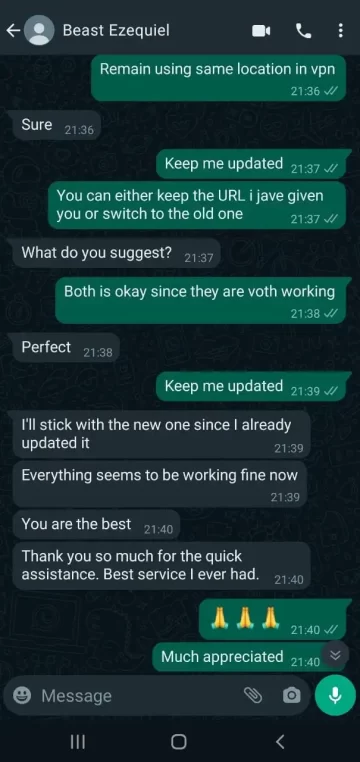












Premium channels included
Popular US networks and streaming brands, together in one subscription. Channel availability may vary by region.
Movies and series to discover
A selection of films and series to explore — new titles are added regularly.

Obsession
Movie · 2026 · 16+
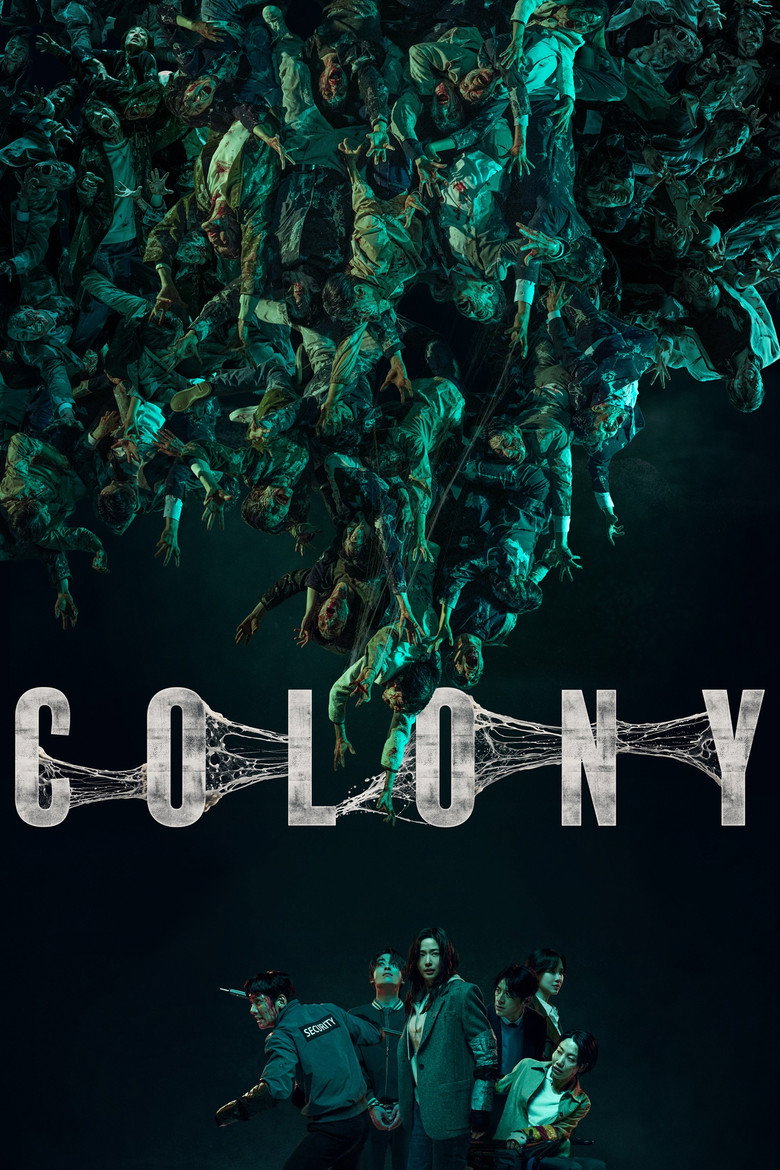
Colony
Movie · 2026 · 12+

The Odyssey
Movie · 2026 · 12+

Evil Dead Burn
Movie · 2026 · 16+

Spider-Man: Brand New Day
Movie · 2026 · All ages

Spider-Man: No Way Home
Movie · 2021 · 12+

Breaking Bad
Series · 2008 · 16+

FROM
Series · 2022 · 12+

The Rookie
Series · 2018 · 10+

House of the Dragon
Series · 2022 · 16+

The Mentalist
Series · 2008 · 10+

Criminal Minds
Series · 2005 · 12+
Live sports for every game day
Looking for live sports streaming across football, basketball, American football, hockey, baseball and combat sports? Explore GoBeast TV’s sports section to find information about channels and competitions, from match days to fight nights. If you want to watch NBA, NFL, NHL, MLB, Premier League or UFC events live, check which broadcasts are actually available in your country before choosing a plan. Access and picture quality, including HD or 4K, depend on the broadcaster or provider, the event, your device and your connection. Browse the options on a smart TV, computer, phone or tablet, then compare plans to find a setup that suits you.
- Football & basketball match days
- American football, hockey & baseball
- Combat sports & fight nights
- HD/4K where available; compatible screens
What the experience gives you
Quality up to 4K
Resolution depends on the title, device and connection.
Works on your screens
Smart TV, computer, mobile, tablet and compatible boxes.
Support when needed
A help centre, detailed FAQ and contact form.
Family controls
A family space separated from the rest of the catalogue.
Choose your plan
Choose one to four simultaneous connections. Prices in USD, one-time payment.
1 month
One-time payment
- Catalogue included with the plan
- Quality depends on title and device
- Smart TV, computer, mobile and tablet
- Family space and support
3 months
One-time payment
- Catalogue included with the plan
- Quality depends on title and device
- Smart TV, computer, mobile and tablet
- Family space and support
6 months
One-time payment
- Catalogue included with the plan
- Quality depends on title and device
- Smart TV, computer, mobile and tablet
- Family space and support
12 months
One-time payment
- Catalogue included with the plan
- Quality depends on title and device
- Smart TV, computer, mobile and tablet
- Family space and support
Get started in 3 steps
Complete your order
Choose your plan and number of connections, then confirm your order.
Check your email
You receive your access details and setup instructions by email.
Install & watch
Install the app on your device, sign in and start watching.
Works with your devices
Review general compatibility and setup information.
-
Smart TV
Recent connected televisions with an official application store.
-
Computer
Windows, macOS and Linux with a recent browser.
-
Mobile
Android and iOS, over Wi-Fi or mobile data.
-
Tablet
The same general experience as on mobile, on a larger display.
-
Media box
Set-top boxes and HDMI sticks with an official application store.
Compatible devices


GEAR
Where to buy
Devices that work well with the service. Buying through these links costs you nothing extra.
-
Easiest to set up
AF
Amazon Fire TV Stick 4K
The simplest stick to set up: plug it into HDMI and the app is ready within minutes.
See it on Amazon -
Fastest
AF
Amazon Fire TV Cube
More power and a built-in Ethernet port, useful when Wi-Fi is unstable.
See it on Amazon -
AT
Android TV box
An open alternative, handy if you already use other Android applications.
See it on Amazon -
Recommended
C6
Cat 6 Ethernet cable
A wired connection stays the most reliable way to avoid dropouts.
See it on Amazon
Some links on this page are affiliate links. If you buy through them we may earn a commission, at no extra cost to you.
What our customers say
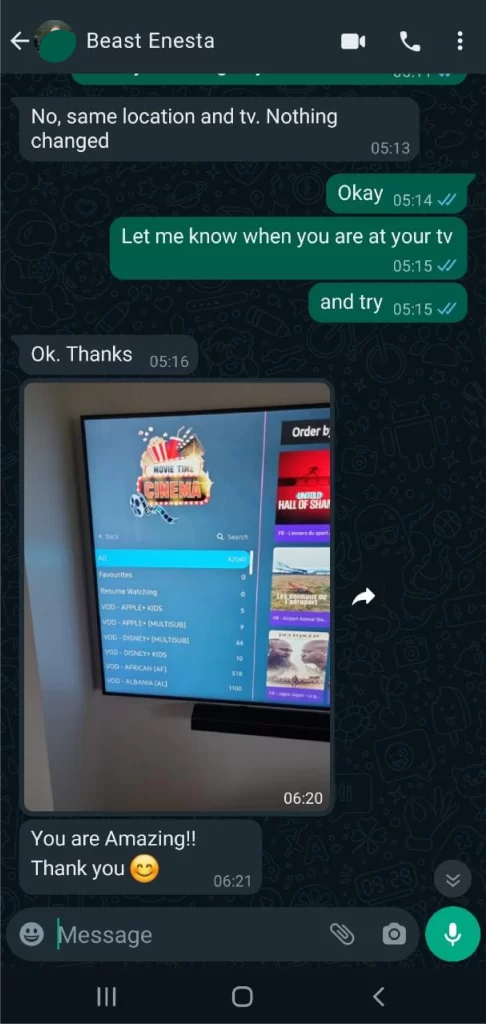
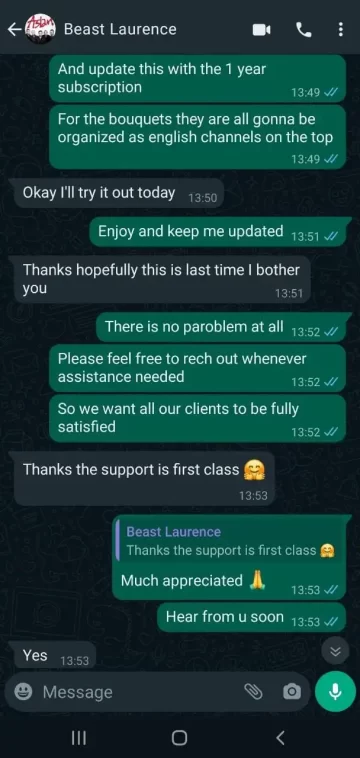
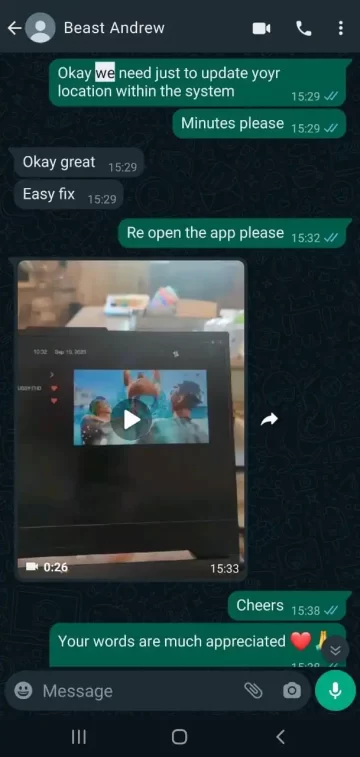
Feedback from people using the service every day.
Frequently asked questions
12 answers found
No answer matches this search. Try different words, or write to us from the Contact page.
The showcase catalogue can be browsed in any recent browser. Compatibility for an eventual service depends on the official applications available on each device.
Setup
Use the selector on the Plans page to compare one, two, three or four connections. No payment is enabled until a compliant offer has been configured.
Subscription
Use the reset link on the sign-in screen. Then check your spam folder before contacting support.
Account
Check your connection, refresh the page and restart your device. If the problem continues, give the device model and the time it happened in your request.
Support
This will depend on the compliant payment system chosen. Until it is configured, the buttons stay informational only.
Subscription
No payment method is enabled in this showcase version. They will be shown only once a compliant and secure provider has been configured.
Billing
Create a family profile and set a private code once that feature is available. Do not share the code with the children.
Parental controls
The number of simultaneous uses depends on the plan chosen, from one to four connections. The exact terms have to be confirmed before going live.
Account
Availability depends on the territory, on the broadcasting rights and on the provider. The catalogue shown guarantees no commercial availability.
Catalogue
Use only an official, verified application published by the operator of the service. This site provides no playlist, no player and no third-party IPTV application.
Setup
Invoicing will be available only once WooCommerce and a compliant payment method have been configured and approved.
Billing
Once configured, the family profile should show only content suitable for the age chosen, and limit search in the same way.
Parental controls
Question not listed here?
Write to us with your device and the time of the incident: the answer comes back faster and more precisely.